Principal Playbook  /  How It Works

What a week
actually looks like.

Inside the participant portal: the dashboard that tells you where you are, the eleven-part lesson, the working field manual, the library, coaching, and how progress is tracked.

Chapter OneWhere you are, on arrival

The portal opens on the year, not on a course list.

Signing in does not present a catalogue. It presents your position in the school year and the single next thing to do. A new principal in October does not need to browse. They need to know what is due, what is coming, and who to ask.

  • Current program stage and current quarter
  • Current focus, in the program’s own words
  • Progress across the season, as a percentage
  • The upcoming lesson, and the outstanding activities behind it
  • The next coaching session, with its type, topic and link
  • Recently accessed resources, and quick access to the Field Manual
  • One recommended next action

Your current stage

Pre-Season

Current focus

Understand Your School Before You Lead It

Next action

Complete the Good, Bad and Ugly Assessment

An example of the dashboard summary a participant sees on arrival.

Chapter TwoThe eleven-part lesson

Same eleven parts, same order, every lesson.

Consistency is the point. A principal working a lesson at ten at night should never have to work out how this one is arranged.

01

Lesson introduction

A short explanation of what the participant will learn and why it matters at this point in the year.

02

Learning objectives

What a principal should understand once the lesson is complete.

03

Michael’s instruction

Video, presentation, written content, or a combination of the three.

04

Why

Why this leadership practice matters, and what a building looks like without it.

05

How

How Dr. Bishop recommends approaching it, drawn from seventeen years of doing it.

06

What

The actual actions, procedures and tools the principal should use.

07

Playbook tools

Downloadable templates and worked examples, versioned and filed against the lesson.

08

Activity

An interactive exercise or worksheet. Multiple choice, short answer, reflection, self-assessment, checklist, download-and-complete worksheet, document upload, scenario, survey or knowledge check.

09

Field application

A real task the principal completes in their own school.

10

Reflection

Questions to consider, saved to the account as private notes.

11

Mark complete

The participant closes the lesson themselves, once the required components are done. Nothing completes automatically.

Chapter ThreeThe digital field manual
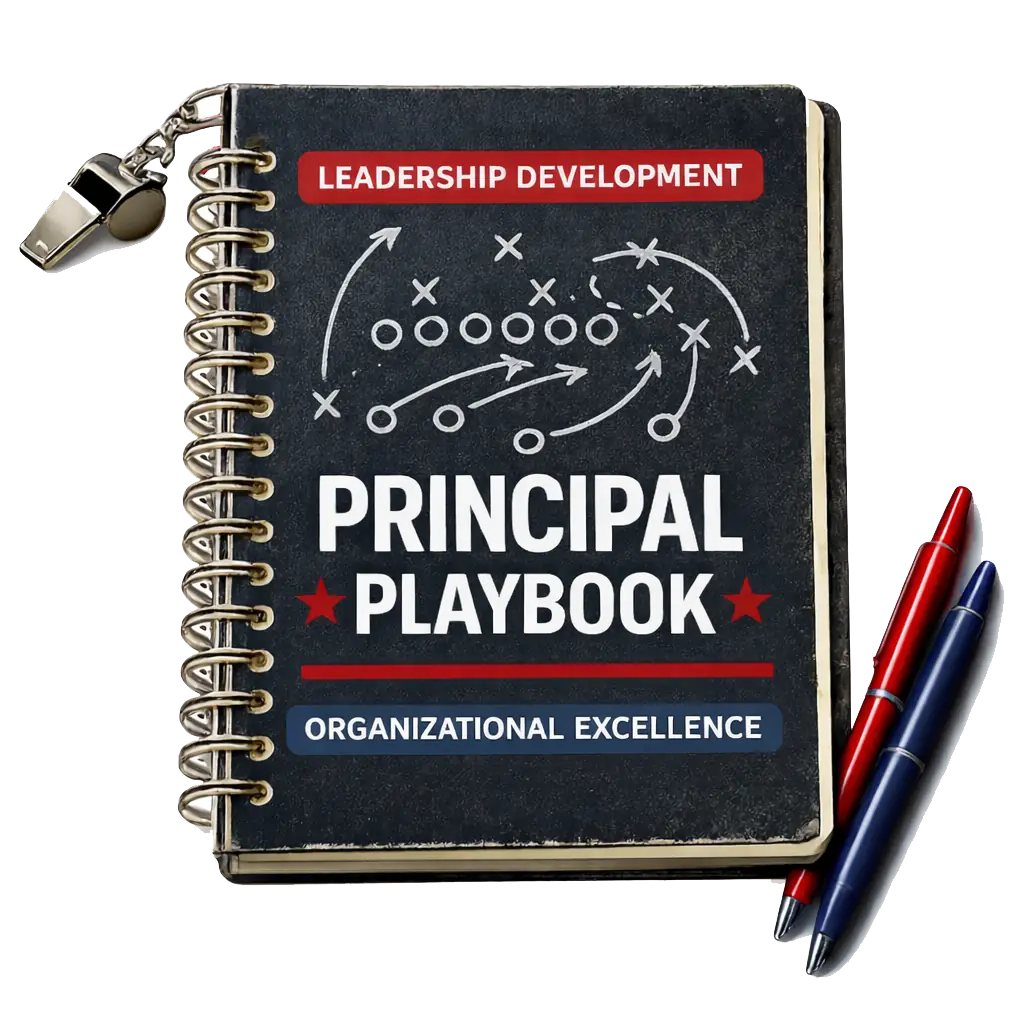
The Principal Playbook field manual, a spiral-bound notebook with a coach's whistle, a play diagram on the cover, and red and blue pens

Your working manual for the year.

Organised by Pre-Season, Quarters 1 to 4, Post-Game and the appendix, and available inside the account from the first day of the program.

  • Read the Field Manual online
  • Download sections, or individual templates
  • Print materials for a meeting
  • Save and complete worksheets
  • Add personal notes against any part of the material
  • Return to previously completed material at any point in the year

Where technically possible, notes and completed worksheets are saved to the account, so the manual accumulates rather than resets.

Chapter FourFinding the right thing

Search and filter, two ways in.

Every resource carries a name, description, program stage, quarter, lesson, type, file, version, date added, visibility and download permission. That metadata is what lets a participant reach the same template from the calendar or from the subject.

Quarter 4 → Testing → Spring Testing Calendar

Difficult Conversations → Staff → Conversation Template

Resource types

  • PDF, DOCX, XLSX and PPTX
  • Images and video
  • Templates and checklists
  • Forms and worked examples
Chapter FiveCoaching, and the private channel

Private channel

Ask Michael

Submit a question with the situation behind it, a category and an urgency, and attach a document if it helps. Dr. Bishop responds inside the portal, and the history of your questions and answers stays private to you. It does not behave like a public discussion forum.

Session type 01

Group, in person

Scheduled sessions with your cohort, with preparation materials issued against the session record beforehand.

Session type 02

Group, virtual

Live virtual sessions carrying a date, time, topic, meeting link and attached materials.

Session type 03

Individual coaching

One-to-one time on what is happening in your building this month. Administrators assign participants to sessions from the console.

Between sessions

Coaching connection

Every lesson closes by naming what to bring into your next session, so coaching time starts from something specific rather than from a blank page.

Chapter SixProgress, notifications and the certificate
01

What the participant sees

A simple progress indicator: lessons completed, activities completed, quarter completion and overall program progress.

  • Lessons
  • Activities
  • Resources accessed
  • Downloads
  • Assessments
  • Coaching attendance
02

What an administrator sees

A far more detailed view across the cohort: how many participants are enrolled, how many are active, how many have completed each stage, and where activities are overdue.

03

Notifications

Automated and configurable from the admin console, so the program reaches people who are not sitting in the portal waiting.

  • New lesson available
  • Upcoming coaching session
  • Missed activity
  • Program milestone
  • New resource
  • Announcement
  • Certificate available
04

Certificate

Generated at completion, carrying the participant name, completion date, program and cohort, Dr. Bishop’s signature, and a certificate identifier where one is required.

Colophon

Develop people. Build culture. Leave a legacy.

Principal Playbook runs as a full school year for individual principals and as a cohort for districts. To ask about the next intake, a district cohort, a keynote or a consulting engagement, start a conversation, or write directly to the address below.